Public Viewer (Anonymous Visitor) Guide
A comprehensive reference for the capabilities and constraints of anonymous visitors on the MC B2B Portal public-facing website.
1. Overview
Welcome to the Public Viewer documentation for the MC B2B Portal. The public-facing website at mc.com.kw serves as the digital storefront and initial touchpoint for potential clients, partners, and anonymous visitors. The fundamental philosophy behind the public view is to showcase the breadth and depth of our product catalog and capabilities without revealing commercially sensitive information such as pricing.
Any visitor navigating to the site without logging in is considered a "Public Viewer." This role does not require an account. The architecture is intentionally designed to index well on search engines and provide comprehensive information to drive business registrations.
Important Principle
PRICES ARE NEVER SHOWN to anonymous visitors. A public viewer will never see pricing, discounts, quote carts, or Request for Quote (RFQ) capabilities. These are strictly reserved for approved business clients.
Available and Unavailable Routes
| Route Path | Accessibility | Purpose for Public Viewer |
|---|---|---|
/ (Home) |
Available | Landing page, featured products, brand introduction. |
/products |
Available | Searchable and filterable complete product catalog (no prices). |
/categories |
Available | Hierarchical exploration of product categories. |
/brands |
Available | Exploration of products by manufacturer or brand. |
/news |
Available | Company announcements, industry news, published articles. |
/about & /contact |
Available | Corporate information and contact forms. |
/catalog & /account |
Blocked | Client portal routes; redirects to login. |
/admin |
Blocked | Administrative routes; strictly forbidden. |
2. Home Page
The Home Page is the primary landing destination. It is designed to capture attention, communicate the MC brand value proposition, and funnel visitors toward either catalog browsing or account registration.
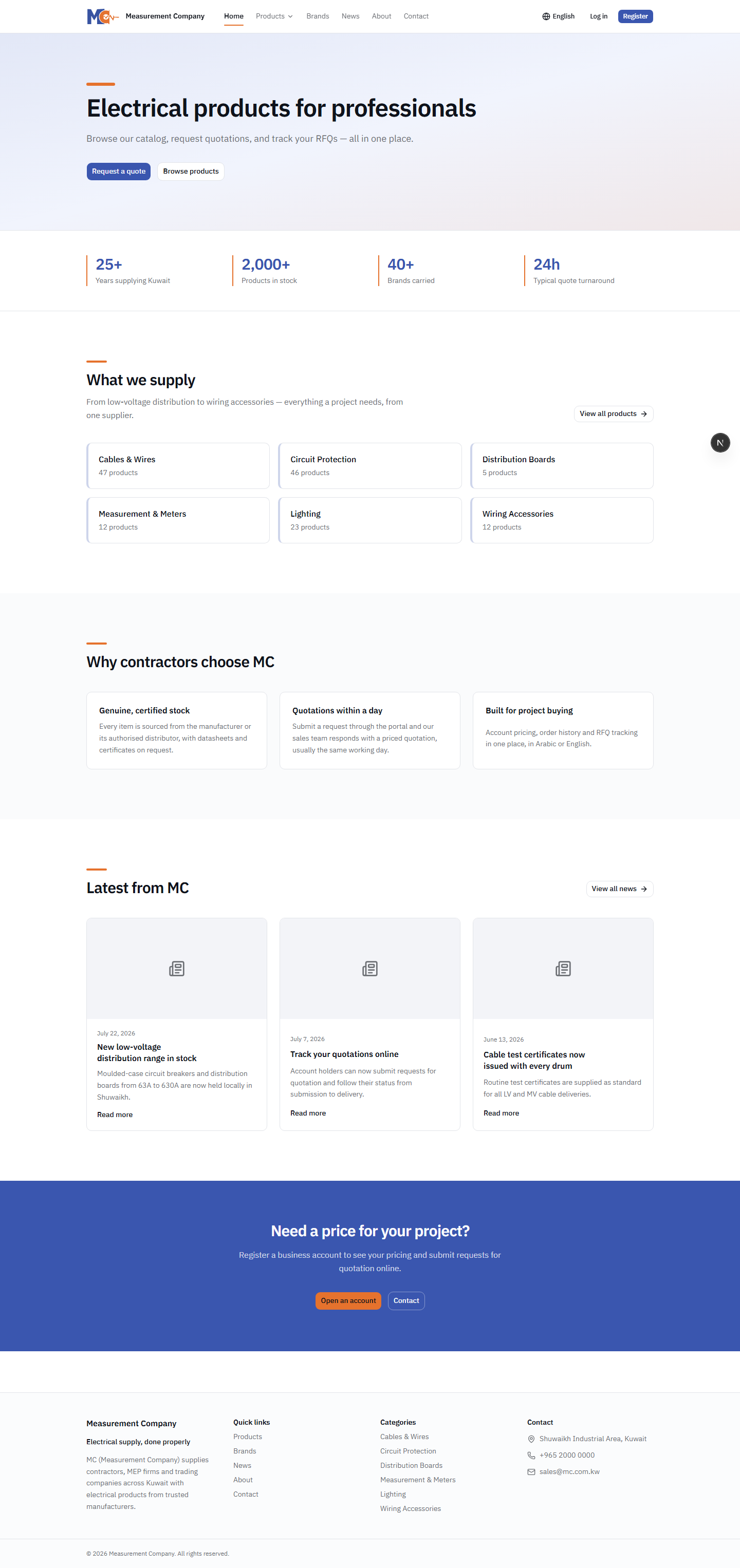
Key components visible to a public viewer on the Home Page include:
- Hero Banner: A large, impactful section detailing the company's core mission, often featuring rotating slides of prominent brands or product lines.
- Product Highlights: A curated list of featured or new products. Even here, pricing is hidden.
- Global Navigation: Direct links to Products, Categories, Brands, News, About, and Contact.
- Language Switcher: A seamless toggle between English (LTR) and Arabic (RTL).
- Call to Action (CTA): Prominent buttons encouraging the visitor to "Register for a Business Account" or "Sign In".
3. Product Browsing
The most interactive part of the public experience is product browsing. We want potential clients to know exactly what we stock, encouraging them to register to get a quote.
The Product Listing Page
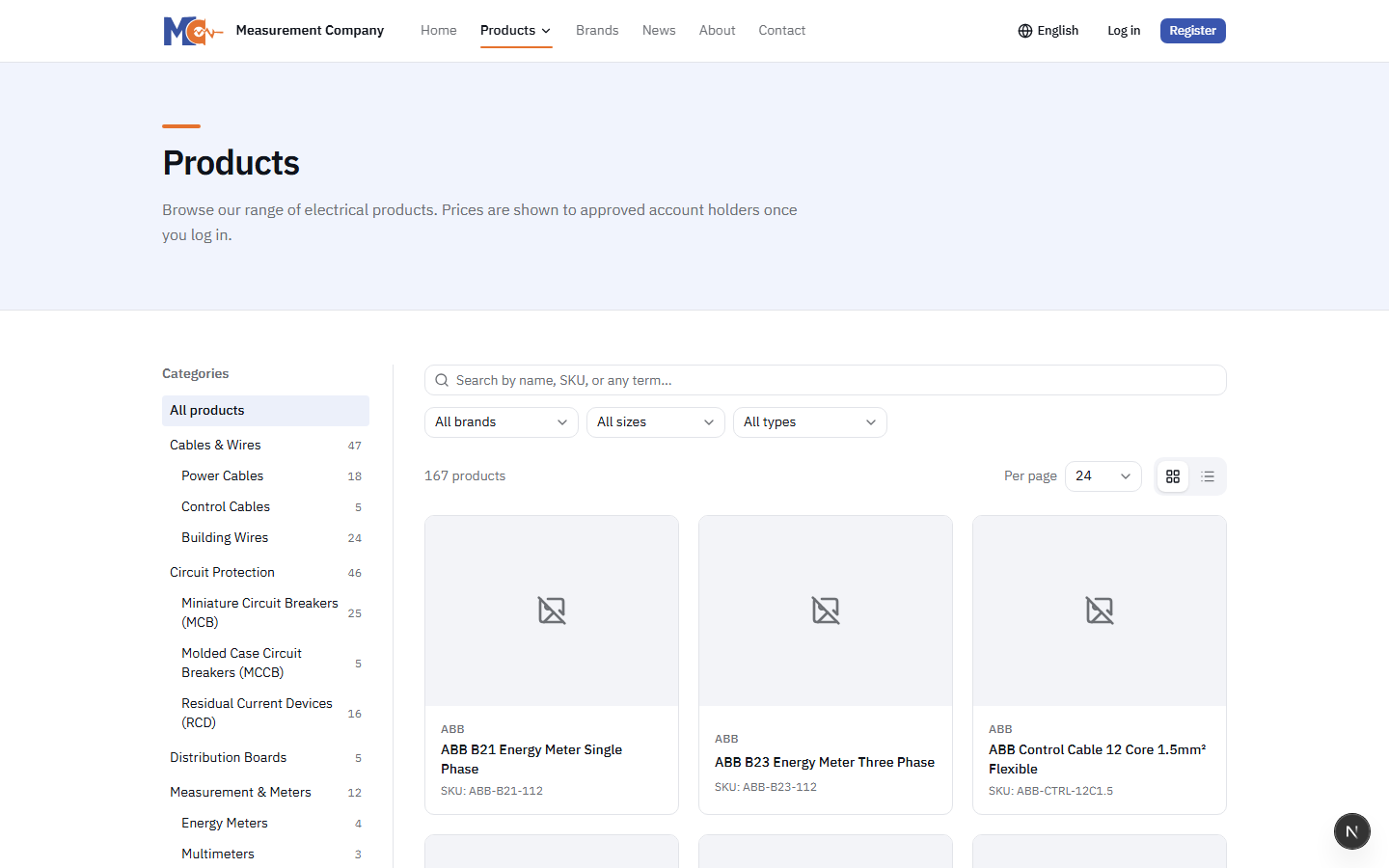
Navigating to /products reveals the full catalog. Visitors can perform full-text searches, filter by category, brand, size, and type. They can toggle between grid and list views, and adjust the number of items per page (12, 24, 48, or 96 items).
Visibility Rules on Product Cards
Each product card displays the Product Name, Primary Image, Category, and Brand. In place of a price, a persistent message reads: "Prices available to registered business customers." The "Add to Quote" button is completely removed from the DOM for anonymous users.
The Product Detail Page
Clicking on a product opens its detailed view. This page is critical for SEO and provides extensive technical details.
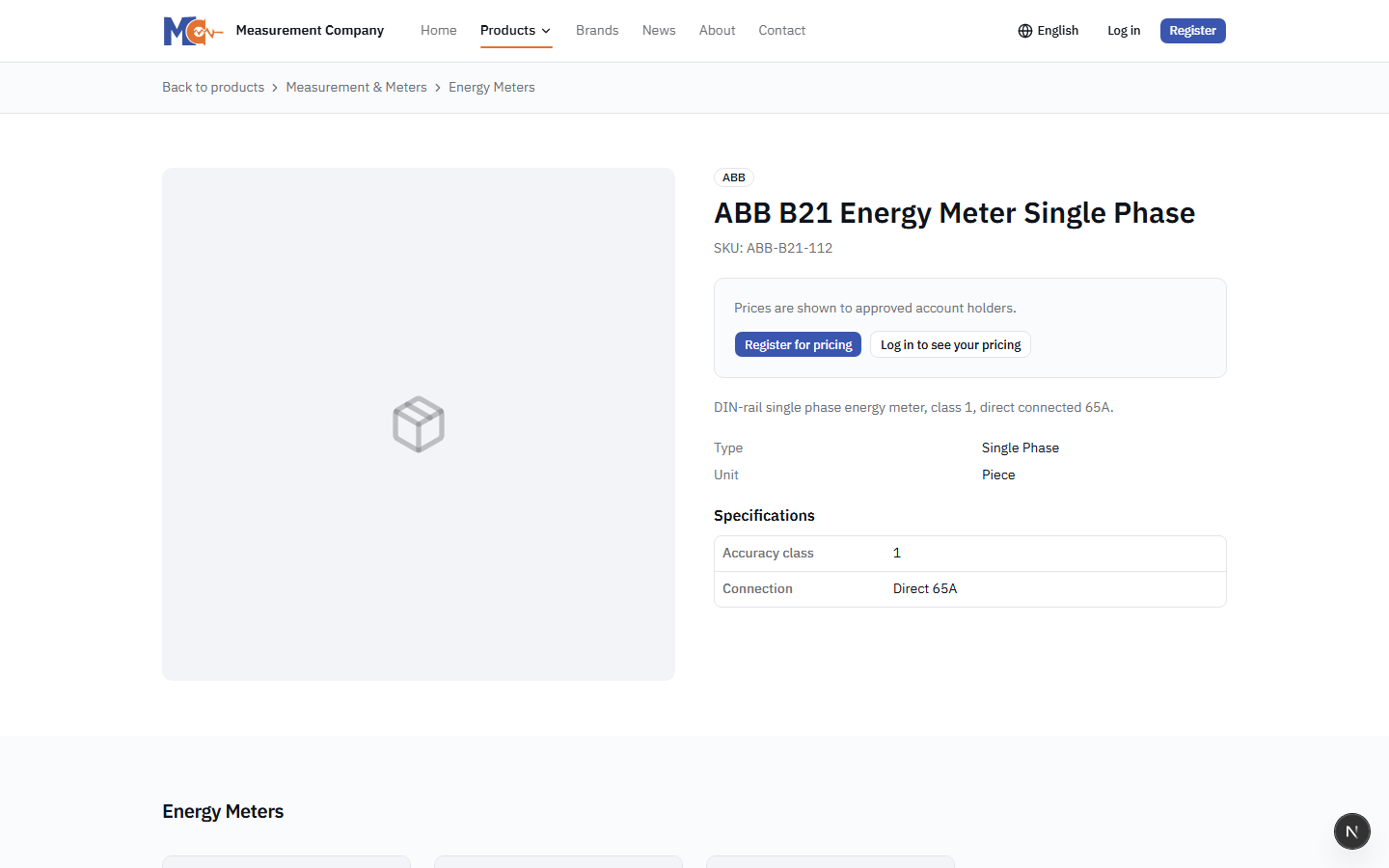
- Image Gallery: Visitors can view multiple high-resolution images of the product.
- Description: A rich-text description of the item.
- Specifications Table: Detailed technical specs (weight, dimensions, material, etc.).
- Related Products: Suggestions for similar items based on category or brand.
4. Categories
The /categories section provides a structured, hierarchical way to browse the catalog. For a B2B portal with thousands of parts, a logical category tree is essential.
Visitors can view a two-level category tree (Parent Categories and Sub-categories). Each category card displays a representative image and the total count of products within that category. Clicking a category navigates to the /products page automatically filtered by the selected category.
5. Brands
Many industrial and corporate clients look for specific manufacturers. The /brands route displays a directory of all partnered manufacturers and brands MC distributes.
Visitors see brand logos arranged in an alphabetical grid. Selecting a brand filters the entire product catalog to show only items manufactured by that specific brand, facilitating targeted discovery.
6. News
The News section keeps the public informed about company milestones, new product line introductions, and industry events. It functions as a standard blog.
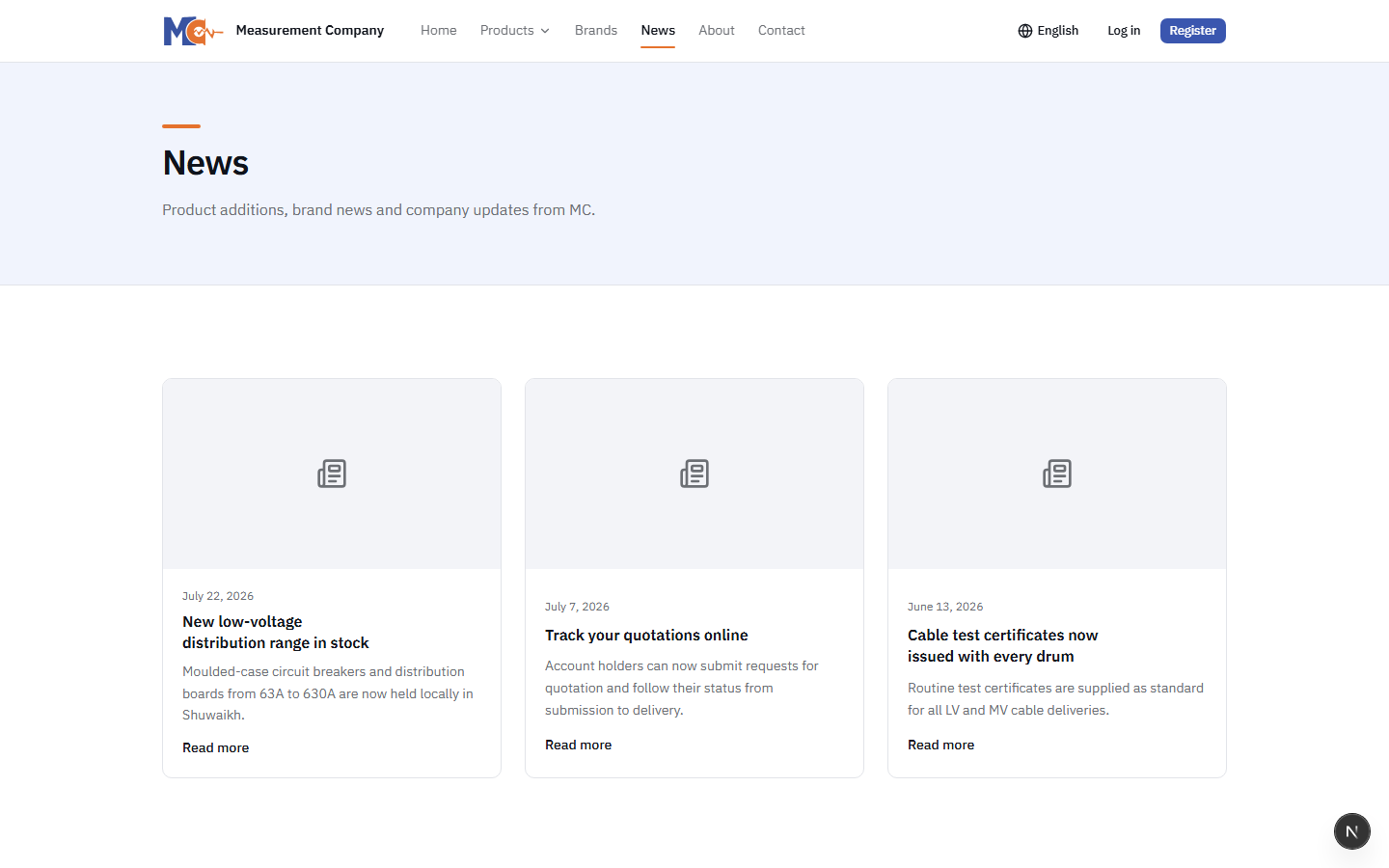
- Visibility: Only articles marked as "Published" by the admin are visible. "Draft" articles are strictly hidden.
- Article Structure: Each article features a Title, Excerpt, Cover Image, Publish Date, and a rich-text Body.
- Bilingual Support: News articles are often translated; if an Arabic translation exists, it will display when the language is toggled.
7. About Page
The About Page (/about) is static content dedicated to building trust. It contains the company's history, mission, vision, and leadership profiles. Like all public pages, the content is fully bilingual and SEO-optimized.
8. Contact Page
The Contact route (/contact) provides essential communication channels. It displays physical addresses, Google Maps embeddings, phone numbers, and direct email addresses.
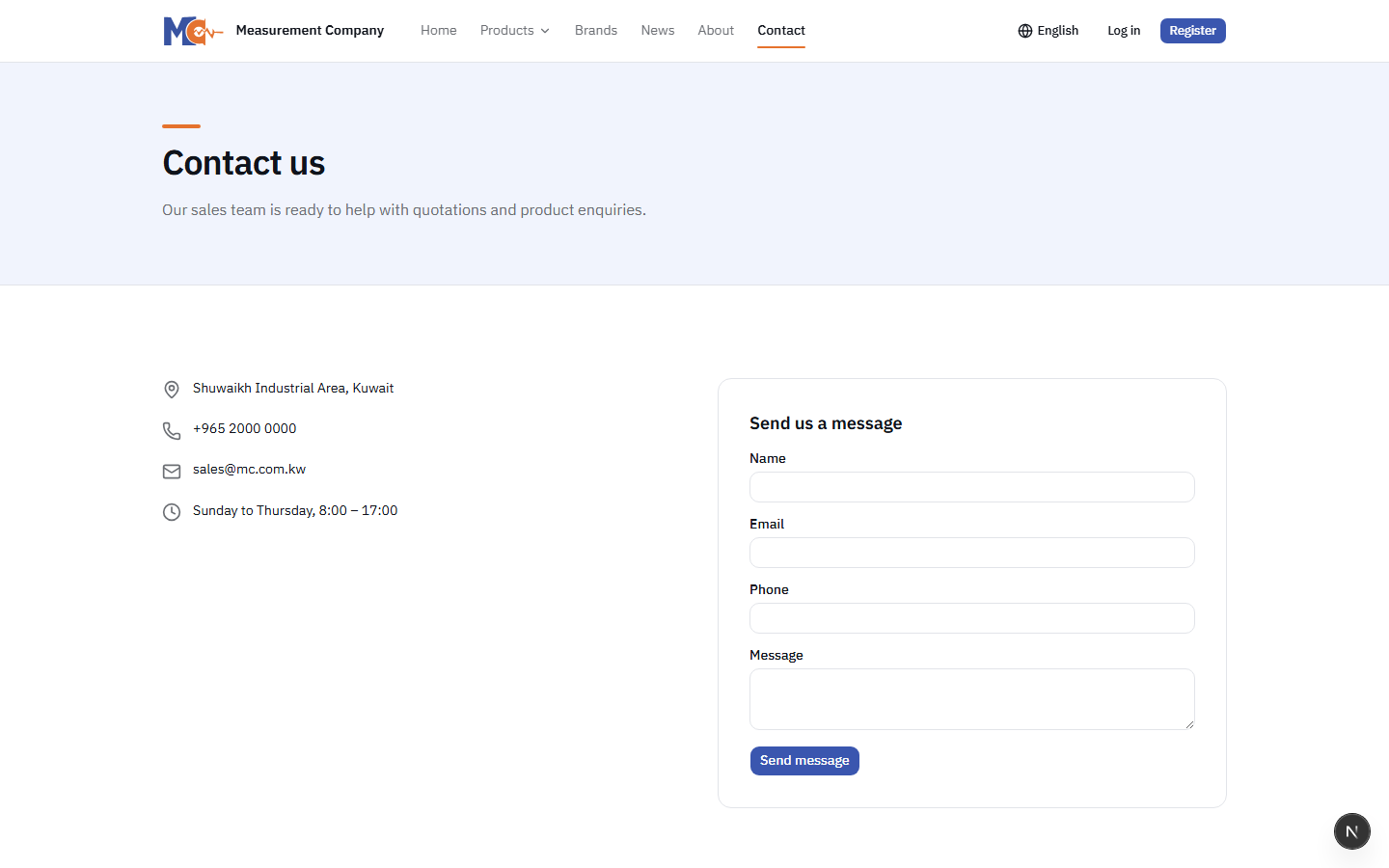
A web form is available allowing anonymous visitors to send messages directly to the MC sales and support teams. The form requires:
- Full Name
- Email Address
- Phone Number (Optional)
- Subject and Message Body
Submitting this form triggers a backend process that emails the configured sales team inbox.
9. Language Switching
The entire portal is engineered for a bilingual audience (English and Arabic). The language switcher in the header is available to all public viewers at all times.
URL Structure
The language state is reflected in the URL routing (e.g., /en/products vs /ar/products). This ensures that specific language pages can be bookmarked and indexed by search engines separately.
RTL Rendering
Switching to Arabic automatically applies a Right-To-Left (RTL) CSS direction. Layouts, grids, sidebars, and text alignment mirror seamlessly to accommodate Arabic reading standards.
Dynamic Content Translation
Product names, category names, and news articles will display in Arabic if the translated text has been provided in the admin database. If a translation is missing, the system gracefully falls back to the English content.
10. Mobile Experience
A significant portion of web traffic originates from mobile devices. The public view is strictly responsive.
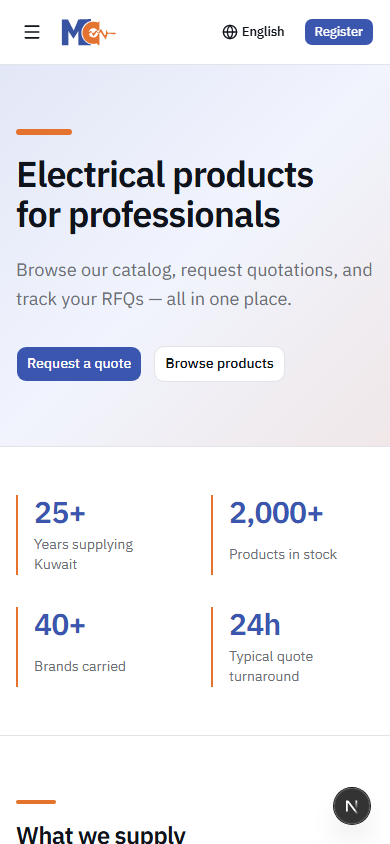
Key mobile adaptations for public viewers include:
- Navigation collapses into a "hamburger" menu.
- Product grids dynamically resize from 4-columns to 2-columns, and down to a single column on small screens.
- Filters in the product list move into a collapsible drawer to save screen real estate.
- Touch-friendly tap targets for buttons and links.
11. Registration & Getting Started
The ultimate goal for a public viewer is to convert them into a registered business client. The Registration portal is accessible to anyone.
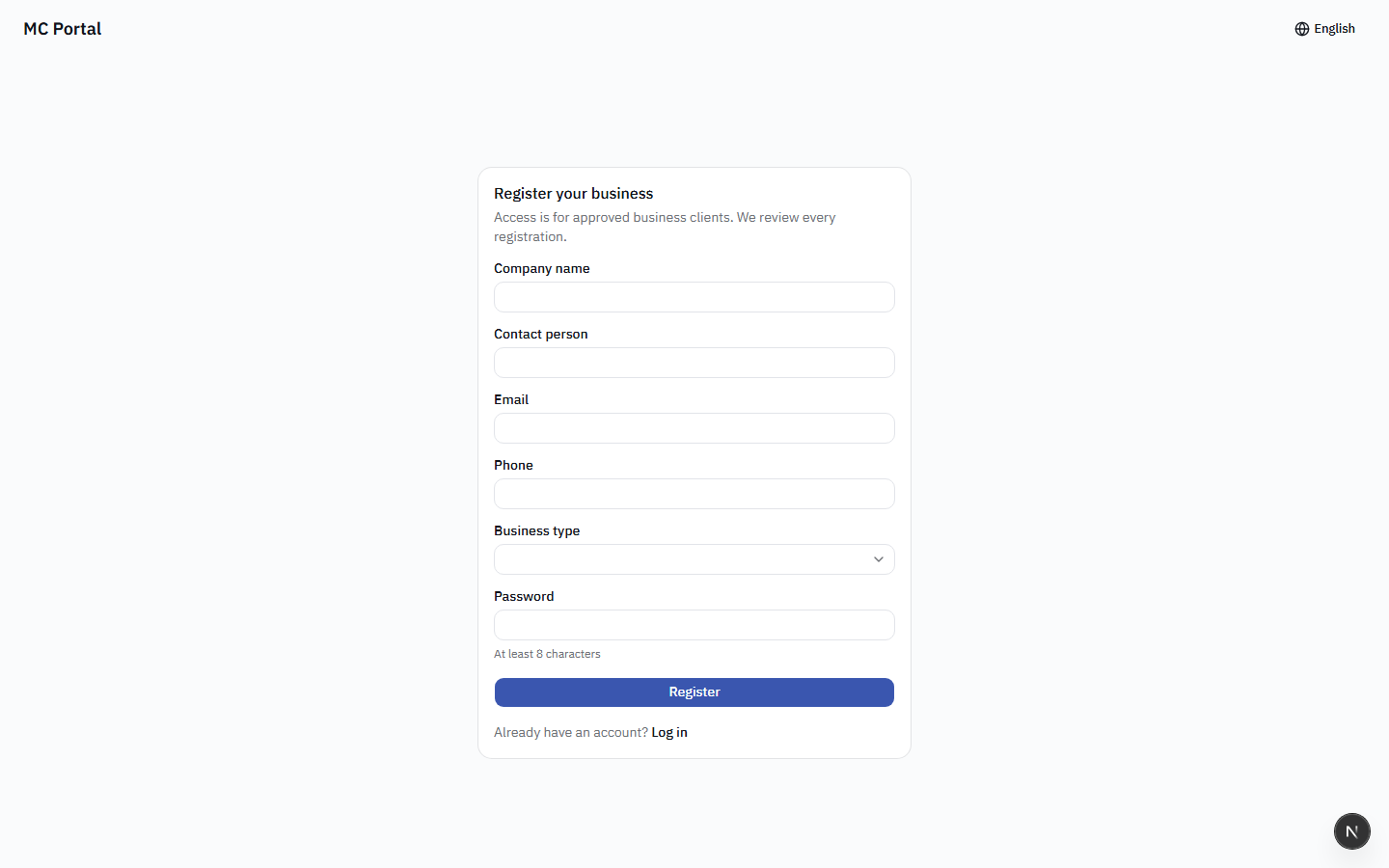
How Registration Works
- The visitor navigates to the "Register" page.
- They must provide standard user details (Email, Password, Name).
- Crucially, they must provide Company Details (Company Name, Commercial Registration Number, Industry, Phone).
- Upon submission, they are NOT instantly granted access. Their account is placed in a "Pending Approval" state.
Why Manual Approval?
Because pricing is sensitive and customized for B2B, MC administrators manually vet every registration to ensure they are legitimate businesses before granting them access to the client portal and pricing tiers.
12. Signing In
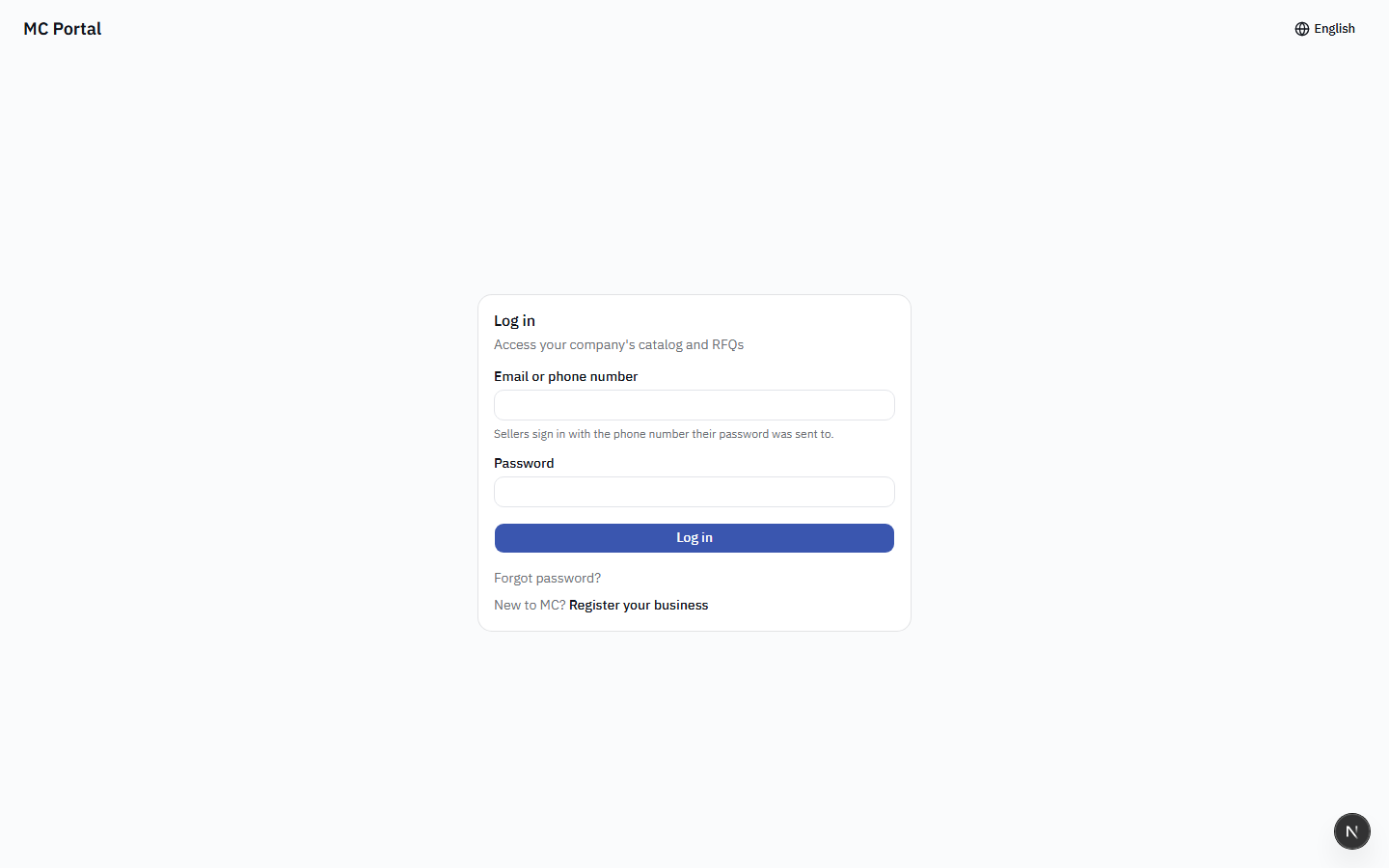
For existing clients, the Login page is accessible from the public navigation bar. The login form requires simply an Email and Password. A "Forgot Password" flow is available, which sends a secure reset link to the user's email if they possess an active account.
14. FAQ for Visitors
Public viewers often have common questions regarding how the portal operates. Here is the standard FAQ tailored for anonymous traffic:
Q: How can I see product pricing?
A: Pricing is exclusively available to registered business partners. Please register for a business account. Once our team approves your account, you will have full access to pricing.
Q: How do I place an order?
A: The MC Portal operates on an RFQ (Request for Quotation) model. You must register, get approved, build a quote cart, and submit it. Our sales team will then return a formal quotation for your approval.
Q: Can I see prices without creating an account?
A: No. As a B2B distributor, our pricing varies based on volume, contracts, and commercial agreements. It is never displayed publicly.
Q: How long does account approval take?
A: Account registrations are reviewed manually by the MC administrative team during standard business hours. Typically, accounts are vetted and approved within 1 to 2 business days.
Q: What is an RFQ?
A: RFQ stands for Request for Quotation. Instead of checking out with a credit card like a standard retail store, you submit a list of items you need, and we provide a customized commercial proposal.
Q: Is this an online retail store?
A: No. This is a Business-to-Business (B2B) portal designed for wholesale, industrial, and corporate procurement. We do not facilitate direct-to-consumer retail transactions.
15. SEO and Public Accessibility
Because the public view serves as a marketing tool, it is heavily optimized for Search Engine Optimization (SEO) and web accessibility.
- Sitemap: A dynamic
sitemap.xmlis generated and available to search engine crawlers, mapping out all public products, categories, and news articles. - Meta Tags & OpenGraph: Every public route features dynamic title tags, meta descriptions, and OpenGraph (OG) tags. When a product is shared on platforms like LinkedIn or WhatsApp, a rich preview card with the product image and description is generated.
- Indexability: Search engines like Google are explicitly allowed to index the product catalog to drive organic search traffic to the site.
- Accessibility: The public site follows WCAG guidelines, ensuring color contrast, semantic HTML, and screen-reader compatibility for all users.